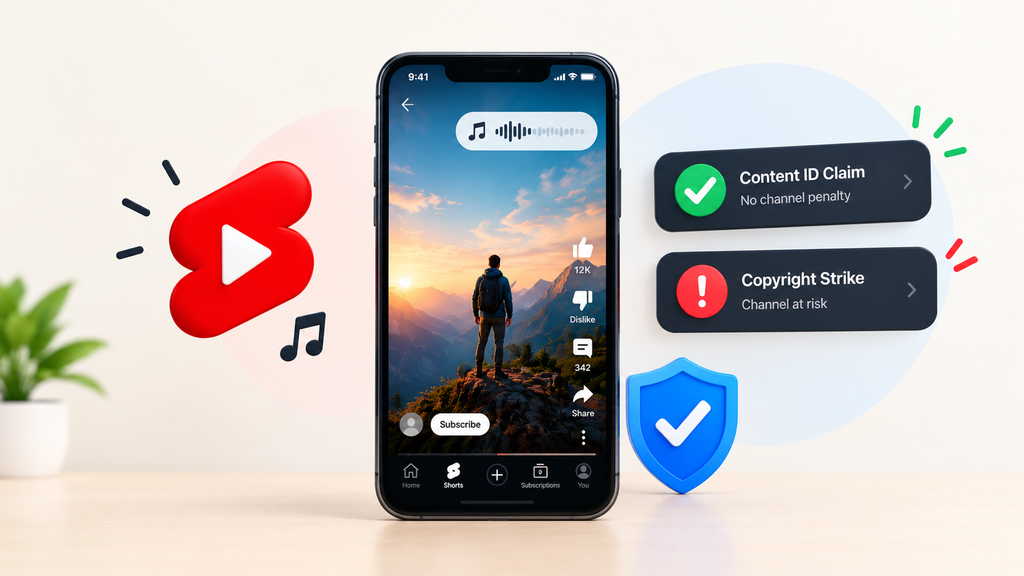
When editing a viral YouTube Short, few things are more tempting than dropping the internet’s latest trending song into the background.
Music sets the mood, hooks viewers instantly, and can single-handedly drive algorithm performance.
However, for creators trying to build a monetized channel, using commercial music is a minefield. Will adding that hit song trigger a copyright strike?
Will it destroy your monetization? Or is there a legal way to use copyrighted music on YouTube Shorts without getting penalized?
Let’s break down how YouTube handles music rights in vertical video, what Content ID claims mean for your channel, and how you can use trending audio safely.
1. The Short Answer: It Depends
You can use popular, copyrighted commercial music on YouTube Shorts without getting a copyright strike if you use YouTube’s native tools.
When YouTube launched Shorts, it secured licensing agreements with major music labels.
This allows creators to access a massive library of commercial music directly within the platform.
However, the safety of your video depends entirely on whether you use the official in-app audio picker or upload an externally edited file.
2. Using the In-App YouTube Shorts Audio Library
If you add music using YouTube’s built-in audio tool during or before upload, you are operating under YouTube’s official music licensing framework.
How It Works: You tap “Add Sound” inside the YouTube app, select a track from the catalog, and layer it over your video clip.
The Claim Reality: You might still see a Content ID notification on your video, but it will not harm your channel. YouTube’s system automatically recognizes licensed audio.
Monetization and Revenue Sharing: Because YouTube shares revenue with music publishers and rights holders, videos using licensed tracks from the Shorts audio library enter a revenue-sharing model. Instead of your channel keeping 100% of the ad revenue generated by that specific Short, earnings are split between you, YouTube, and the music copyright holders.
3. Uploading Externally Edited Videos with Copyrighted Music
This is where 90% of creators run into trouble.
If you edit your Short in software like CapCut, Premiere Pro, or DaVinci Resolve, bake a copyrighted pop song directly into the video file, and upload it to YouTube, you bypass the platform’s licensing protections.
Within minutes of uploading, YouTube’s automated Content ID system will scan your video. If it matches a copyrighted audio track in its database, one of two things will happen:
Copyright Claim
The rights holder places a claim on your video. They may choose to monetize your video (taking all the ad revenue), mute the audio in specific countries, or block the video entirely.
Crucially, a Content ID claim is not a strike so it does not hurt your channel’s standing.
Copyright Strike
If a rights holder manually reviews your video and issues a formal takedown notice instead of an automated claim, you receive a copyright strike.
Accumulating three strikes will result in your entire channel being terminated.
4. Content ID Claims vs. Copyright Strikes on Shorts
Understanding the difference between a claim and a strike is vital for creator peace of mind:
| Metric | Content ID Claim | Copyright Strike |
| Origin | Automated digital fingerprint matching | Manual takedown request by the copyright owner |
| Channel Penalty | Zero penalty on channel standing | Severe penalty (lasts 90 days, blocks features) |
| Monetization | Ad revenue goes to the copyright owner (or is shared) | Video is removed entirely |
| Action Required | None (unless you want to dispute an incorrect match) | Attend Copyright School or wait for expiration |
While a Content ID claim on a Short won’t delete your channel, it will prevent you from earning ad revenue from that video.
If you are running a monetized channel, letting claims pile up means working for free.
5. Best Practices to Protect Your Channel
To enjoy the algorithmic boost of music without risking your channel’s health or monetization status, follow these rules:
Stick to the In-App Audio Library: If you want mainstream pop, hip-hop, or trending tracks, add them using YouTube’s official Shorts audio picker during upload.
Use Creator Music & Royalty-Free Libraries: If you edit outside the app, source your audio from safe platforms like the YouTube Audio Library, Epidemic Sound, Artlist, or Envato Elements. These platforms provide proper licenses that clear your videos of copyright issues.
Understand Fair Use: Parody, critique, and commentary can fall under fair use, but automated Content ID systems often fail to recognize context. Relying on fair use for music in Shorts often leads to false claims that require manual appeals.
Final Thoughts
Can you use copyrighted music on YouTube Shorts without getting a claim?
If you use YouTube’s native audio library, you can safely use trending tracks without receiving strikes or penalties, though ad revenue may be shared with rights holders.
However, uploading externally edited videos containing unlicensed commercial music invites automated Content ID restrictions and revenue loss.
When in doubt, stick to official platform tools or royalty-free audio to keep your channel safe and fully monetized!